Zhiyun Crane M3 Compatibility List: Cameras & Cables
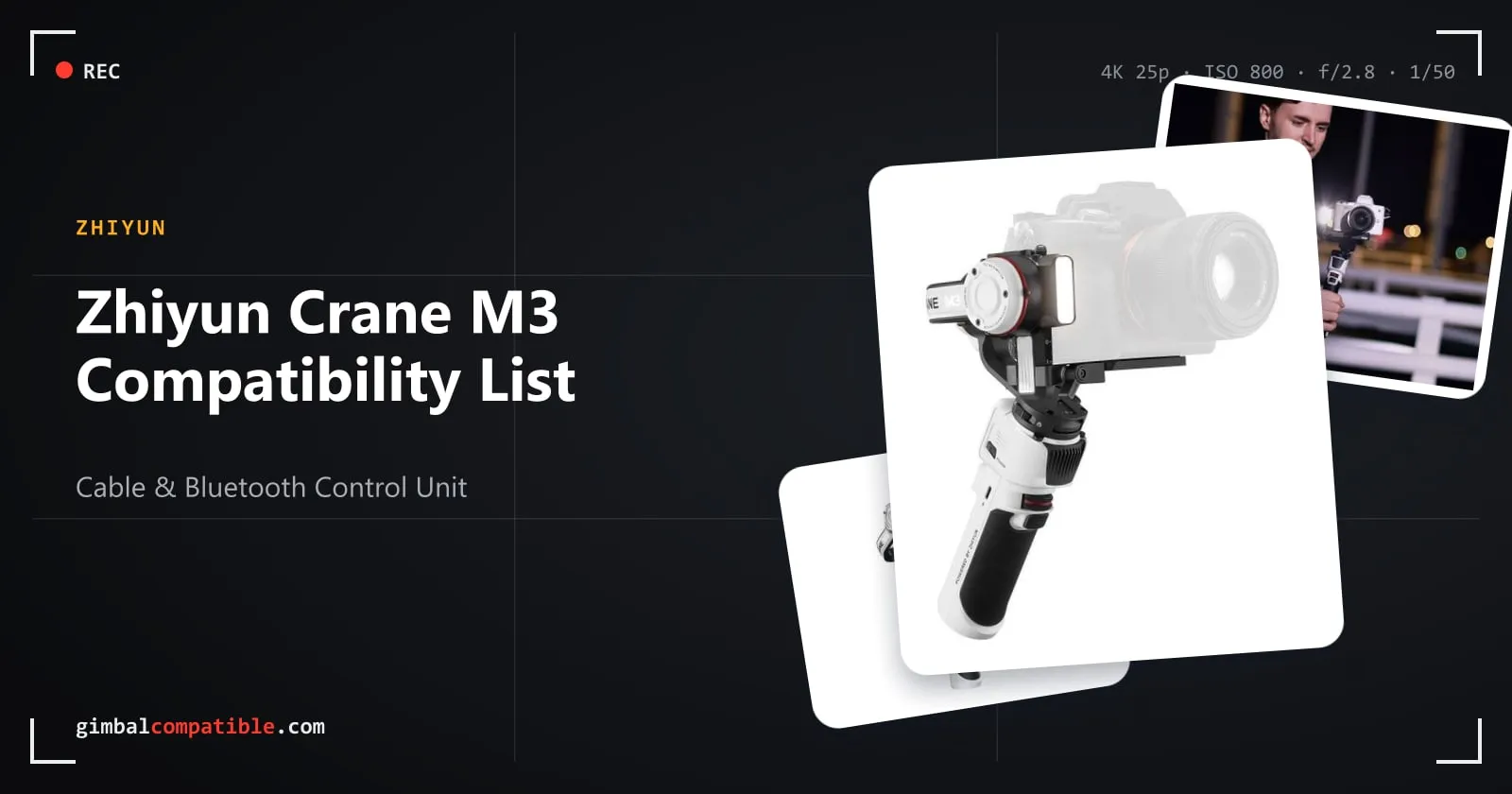
The Zhiyun Crane M3 is a compact gimbal for mirrorless cameras, phones and action cams, with a touchscreen and a built-in fill light. Camera control is limited unless you add an accessory, so check the list before you buy. Zhiyun’s list (V2.20, 1 July 2025, gimbal firmware V1.77) has two parts: the cable list and the TransMount Bluetooth Control Unit list.
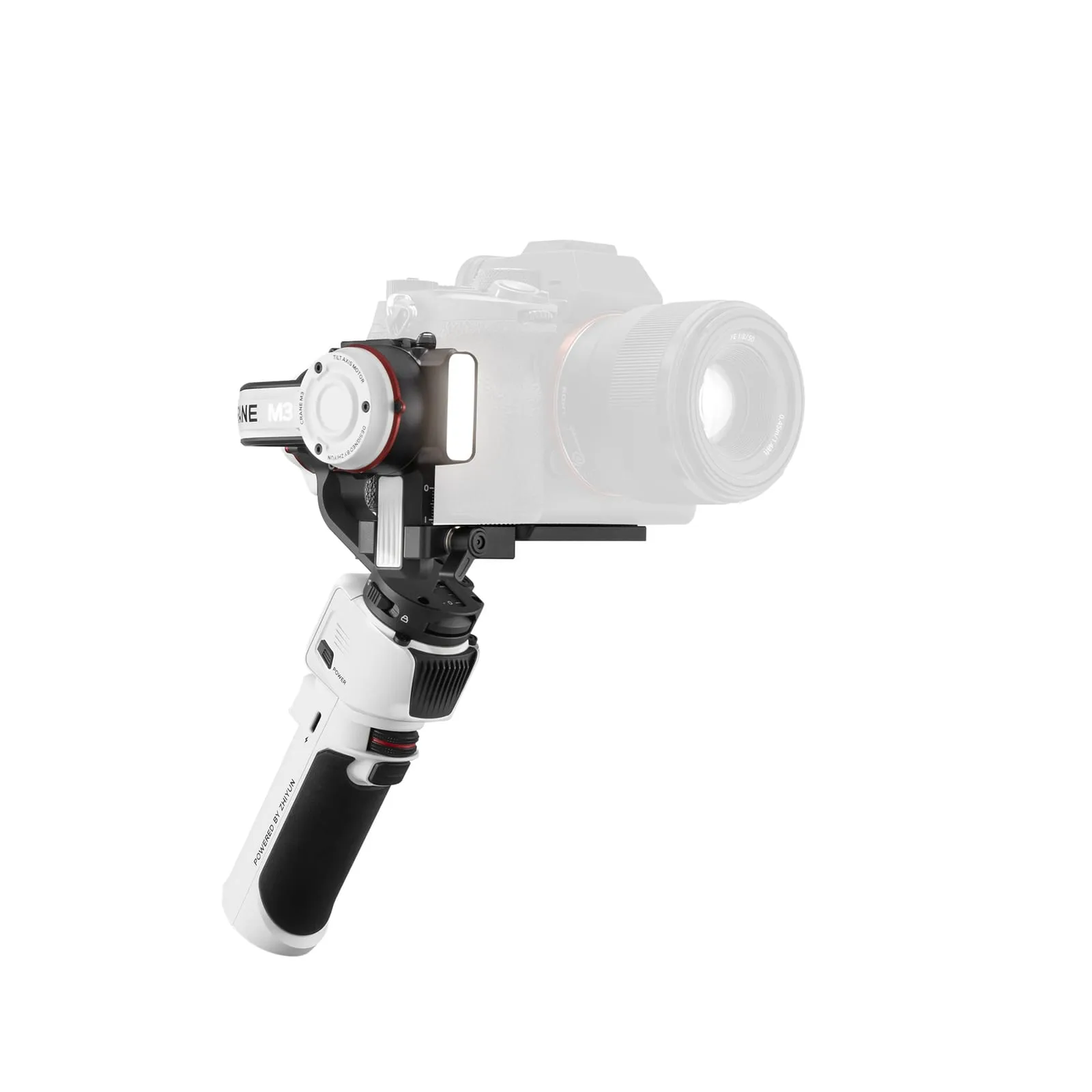
Crane M3 specs
| Zhiyun Crane M3 | |
|---|---|
| Weight | About 700 g with battery (735 g in the user guide) |
| Payload | Not published by Zhiyun |
| Battery | 1150 mAh, about 8 h |
| Charging | 2 h with 12 W QC/PD, usable while charging |
| Screen | 1.22” color touchscreen |
| Fill light | Built-in, 2600–5400 K, with 4 magnetic filters |
| Camera control | Type-C to Multi cable (some Sony models), or the optional Bluetooth Control Unit |
| Phones / action cams | Stabilization only |
Part 1: cable control (included cables)
The Type-C to Multi cable in the box starts and stops recording on these Sony cameras:
| Camera | Cable | Start/stop recording | Video playback |
|---|---|---|---|
| Sony α7R2 | Type-C to Multi | ✓ | ✓ |
| Sony α7S2 | Type-C to Multi | ✓ | ✓ |
| Sony α7S3 | Type-C to Multi | ✓ | ✓ |
| Sony α7M3 | Type-C to Multi | ✓ | ✓ |
| Sony α7R3 | Type-C to Multi | ✓ | ✓ |
| Sony α7M4 | Type-C to Multi | ✓ | ✓ |
| Sony α7R4 | Type-C to Multi | ✓ | ✓ |
| Sony FX3 | Type-C to Multi | ✓ | ✓ |
| Sony α6600 | Type-C to Multi | ✓ | ✓ |
| Sony α6500 | Type-C to Multi | ✓ | ✓ |
| Sony α6400 | Type-C to Multi | ✓ | ✓ |
| Sony α6300 | Type-C to Multi | ✓ | ✓ |
| Sony α6100 | Type-C to Multi | ✓ | ✓ |
| Sony DSC-RX100M5 | Type-C to Multi | ✓ | ✓ |
| Sony DSC-RX100M6 | Type-C to Multi | ✓ | ✓ |
| Sony DSC-RX100M7 | Type-C to Multi | ✓ | ✓ |
| Sony DSC-HX90 | Type-C to Multi | ✓ | ✓ |
| Sony ZV-1 | Type-C to Multi | ✓ | ✓ |
The Type-C to Type-C and Type-C to Micro-USB cables in the box are charging cables only. The list includes several models without control on the cable (Sony α7 II, α7C, FX30, ZV-E10, ZV-1 II, WX350; all listed Fujifilm, Panasonic and Nikon bodies, and the Sigma fp). For those, you need the Bluetooth Control Unit below, or the gimbal stabilizes only.
Part 2: TransMount Crane-M3 Bluetooth Control Unit
With this optional accessory, the Crane M3 gets real camera control on 43 cameras:
Sony
| Camera | Cable | Photo | Video | Zoom | Half-press AF | Focus wheel | Shutter / aperture / ISO |
|---|---|---|---|---|---|---|---|
| Sony α7S3 | BT unit → camera: Type-C | ✓ | ✓ | ✗ | ✗ | ✓ | ✓ |
| Sony α7M3 | BT unit → camera: Multi | ✓ | ✓ | ✗ | ✗ | ✗ | ✗ |
| Sony α7R3 | BT unit → camera: Multi | ✓ | ✓ | ✗ | ✗ | ✗ | ✗ |
| Sony α7R4 | BT unit → camera: Type-C | ✓ | ✓ | ✗ | ✗ | ✓ | ✓ |
| Sony FX3 | BT unit → camera: Type-C | ✓ | ✓ | ✗ | ✗ | ✓ | ✓ |
| Sony FX30 | BT unit → camera: Type-C | ✗ | ✗ | ✗ | ✗ | ✗ | ✗ |
| BT unit → camera: Multi | ✗ | ✗ | ✗ | ✗ | ✗ | ✗ | |
| Sony α7C | BT unit → camera: Type-C | ✓ | ✓ | ✗ | ✗ | ✓ | ✓ |
| Sony α6600 | BT unit → camera: Multi | ✓ | ✓ | ✗ | ✗ | ✗ | ✗ |
| Sony α6400 | BT unit → camera: Multi | ✓ | ✓ | ✗ | ✗ | ✗ | ✗ |
| Sony α6100 | BT unit → camera: Multi | ✓ | ✓ | ✗ | ✗ | ✗ | ✗ |
| Sony ZV-E10 | BT unit → camera: Type-C | ✓ | ✓ | ✗ | ✗ | ✓ | ✓ |
| Sony DSC-RX100M5 | BT unit → camera: Multi | ✓ | ✓ | ✗ | ✗ | ✗ | ✗ |
| Sony DSC-RX100M6 | BT unit → camera: Multi | ✓ | ✓ | ✗ | ✗ | ✗ | ✗ |
| Sony DSC-RX100M7 | BT unit → camera: Multi | ✓ | ✓ | ✗ | ✗ | ✓ | ✓ |
| Sony ZV-1 | BT unit → camera: Multi | ✓ | ✓ | ✗ | ✗ | ✗ | ✗ |
| Sony ZV-1 II | BT unit → camera: Type-C | ✗ | ✗ | ✗ | ✗ | ✗ | ✗ |
Fujifilm
| Camera | Cable | Photo | Video | Zoom | Half-press AF | Focus wheel | Shutter / aperture / ISO |
|---|---|---|---|---|---|---|---|
| FUJIFILM X-A7 | BT unit → camera: Type-C | ✗ | ✗ | ✗ | ✗ | ✗ | ✗ |
| FUJIFILM X-T3 | BT unit → camera: Type-C | ✓ | ✓ | ✗ | ✗ | ✗ | ✗ |
| FUJIFILM X-T4 | BT unit → camera: Type-C | ✓ | ✓ | ✗ | ✗ | ✗ | Shutter |
| Fujifilm X-S20 | BT unit → camera: Type-C | ✗ | ✓ | ✗ | ✗ | ✗ | Shutter + ISO |
Panasonic
| Camera | Cable | Photo | Video | Zoom | Half-press AF | Focus wheel | Shutter / aperture / ISO |
|---|---|---|---|---|---|---|---|
| Panasonic DMC-GH5 | BT unit → camera: Type-C | ✓ | ✓ | ✗ | ✗ | ✓ | ✓ |
| Panasonic DMC-GH5S | BT unit → camera: Type-C | ✓ | ✓ | ✗ | ✗ | ✓ | ✓ |
Canon
| Camera | Cable | Photo | Video | Zoom | Half-press AF | Focus wheel | Shutter / aperture / ISO |
|---|---|---|---|---|---|---|---|
| Canon EOS R | BT unit → camera: Type-C | ✓ | ✓ | ✗ | ✗ | ✓ | ✓ |
| Canon EOS RP | BT unit → camera: Type-C | ✓ | ✓ | ✗ | ✗ | ✓ | ✓ |
| Canon EOS R5 | BT unit → camera: Type-C | ✓ | ✓ | ✗ | ✗ | ✓ | ✓ |
| Canon EOS R6 | BT unit → camera: Type-C | ✓ | ✓ | ✗ | ✗ | ✓ | ✓ |
| Canon EOS M50 | BT unit → camera: Micro | ✓ | ✓ | ✗ | ✗ | ✓ | ✓ |
| Canon M50 Mark II | BT unit → camera: Micro | ✓ | ✓ | ✗ | ✗ | ✓ | ✓ |
| Canon EOS M6 Mark Ⅱ | BT unit → camera: Type-C | ✓ | ✓ | ✗ | ✗ | ✓ | ✓ |
| Canon EOS 200D Mark Ⅱ | BT unit → camera: Micro | ✓ | ✓ | ✗ | ✗ | ✓ | ✓ |
| Canon PowerShot G7X Mark III | BT unit → camera: Type-C | ✓ | ✓ | ✗ | ✗ | ✓ | ✓ |
| Canon EOS R8 | BT unit → camera: Type-C | ✓ | ✓ | ✗ | ✗ | ✓ | ✓ |
| Canon EOS R50 | BT unit → camera: Type-C | ✓ | ✓ | ✗ | ✗ | ✓ | ✓ |
| Canon EOS R6 Mark II | BT unit → camera: Type-C | ✓ | ✓ | ✗ | ✗ | ✓ | ✓ |
| Canon EOS R10 | BT unit → camera: Type-C | ✓ | ✓ | ✗ | ✗ | ✓ | ✓ |
Nikon
| Camera | Cable | Photo | Video | Zoom | Half-press AF | Focus wheel | Shutter / aperture / ISO |
|---|---|---|---|---|---|---|---|
| Nikon Z50 | BT unit → camera: Micro | ✓ | ✓ | ✗ | ✗ | ✓ | ✓ |
| Nikon Z5 | BT unit → camera: Type-C | ✓ | ✓ | ✗ | ✗ | ✓ | ✓ |
| Nikon Z6 | BT unit → camera: Type-C | ✓ | ✓ | ✗ | ✗ | ✓ | ✓ |
| Nikon Z6 II | BT unit → camera: Type-C | ✓ | ✓ | ✗ | ✗ | ✓ | ✓ |
| Nikon Z7 | BT unit → camera: Type-C | ✓ | ✓ | ✗ | ✗ | ✓ | ✓ |
| Nikon Z7 II | BT unit → camera: Type-C | ✓ | ✓ | ✗ | ✗ | ✓ | ✓ |
| Nikon Zfc | BT unit → camera: Type-C | ✓ | ✓ | ✗ | ✗ | ✓ | Aperture |
| Nikon Zf | BT unit → camera: Type-C | ✗ | ✓ | ✗ | ✗ | ✗ | Aperture |
Setup tips from Zhiyun’s notes
- Sony: select PC Remote and power on the gimbal before the camera. Turn off USB Power Supply when you use the control unit. For electronic focus on the α7S III and α7C, set the camera to MF.
- Canon: electronic follow focus needs the lens in AF. Disable Movie Servo AF when you focus during video. Change between photo and movie mode with the camera off. On the EOS M50 and M50 II, the port cover can slightly interfere with the control unit.
- Nikon: electronic focus needs A (AF) with AF-S or AF-C, and it doesn’t work while recording.
- Fujifilm: set USB Tether Shooting Auto. In photo mode, settings change only from the gimbal, and RAW isn’t supported.
- Panasonic GH5/GH5S: set PC (Tether), put the lens in MF for electronic focus, and turn off USB power supply.
Alternatives
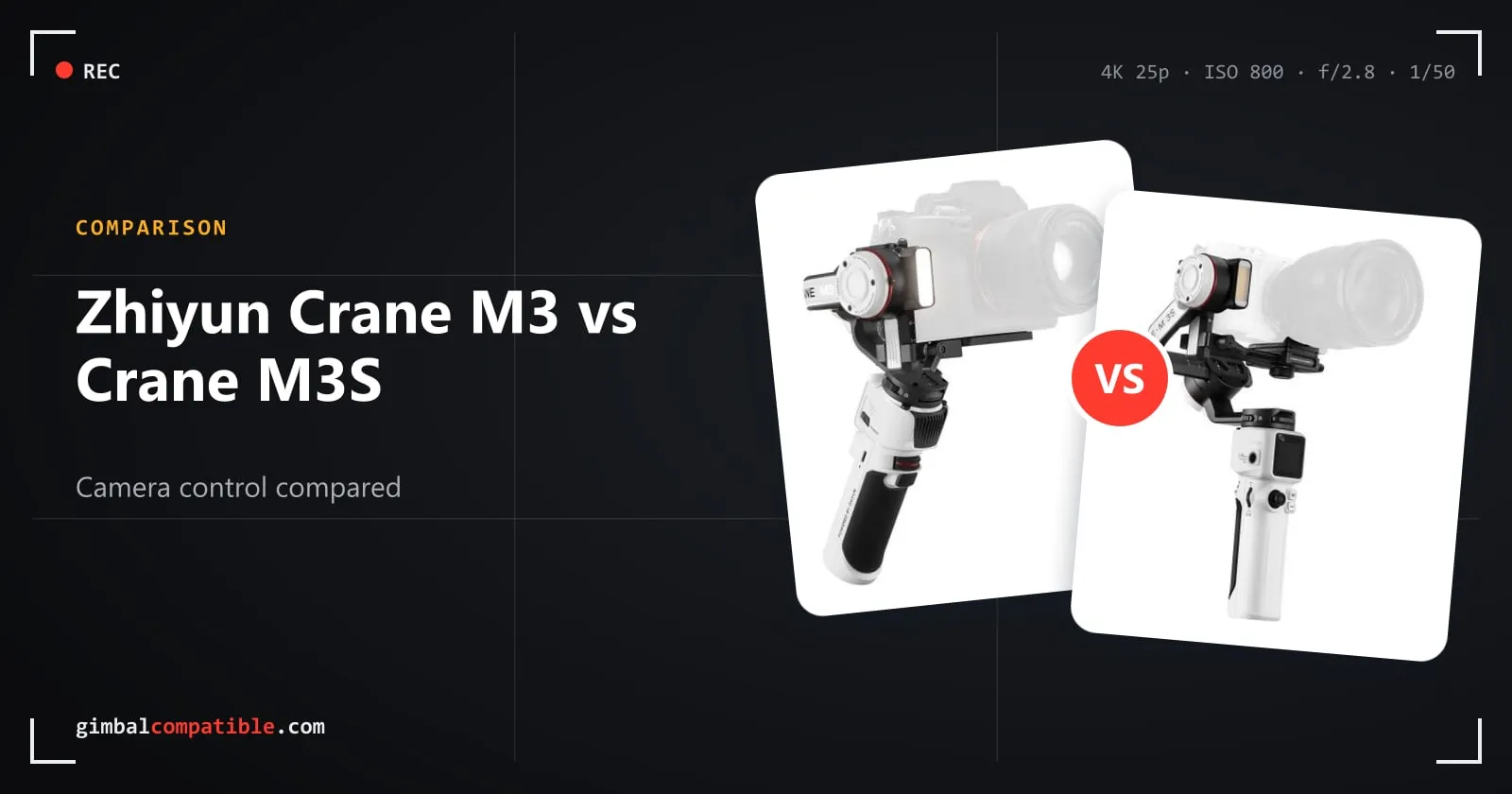
The successor Crane M3S has a built-in Bluetooth shutter and cable control for over 70 cameras without extra modules. Also compare the DJI RS 3 Mini.
Frequently asked questions
Can the Zhiyun Crane M3 control my camera without accessories?
Only certain Sony cameras, and only start/stop recording plus playback through the included Type-C to Multi cable. The other two cables in the box (Type-C to Type-C and Type-C to Micro-USB) only charge the camera.
What is the TransMount Crane-M3 Bluetooth Control Unit?
An optional accessory that adds camera control: photo, video, half-press AF, focus wheel and, on many models, shutter, aperture and ISO. Zhiyun lists 43 cameras for it (Sony, Canon, Nikon, Fujifilm and Panasonic).
What is the payload of the Crane M3?
Zhiyun doesn't publish a payload figure for the Crane M3. It's designed for compact, mirrorless and lighter full-frame setups, phones and action cams.
Does the Crane M3 work with phones and GoPros?
Yes, for stabilization (phone clamp in the combo kit, action-cam base sold separately). Zhiyun says button control isn't supported for phones and action cameras.